
恶作剧 2024/7/11
官方文档:https://docs.camunda.org/manual/7.19/
下载地址:https://downloads.camunda.cloud/release/camunda-bpm/run/
本文使用:7.19版本,因为7.19版本是最后支持java1.8的版本,可通过连接查看支持的java版本
https://docs.camunda.org/manual/7.19/introduction/supported-environments/
# 一、安装
# 1.安装部署Camunda流程平台
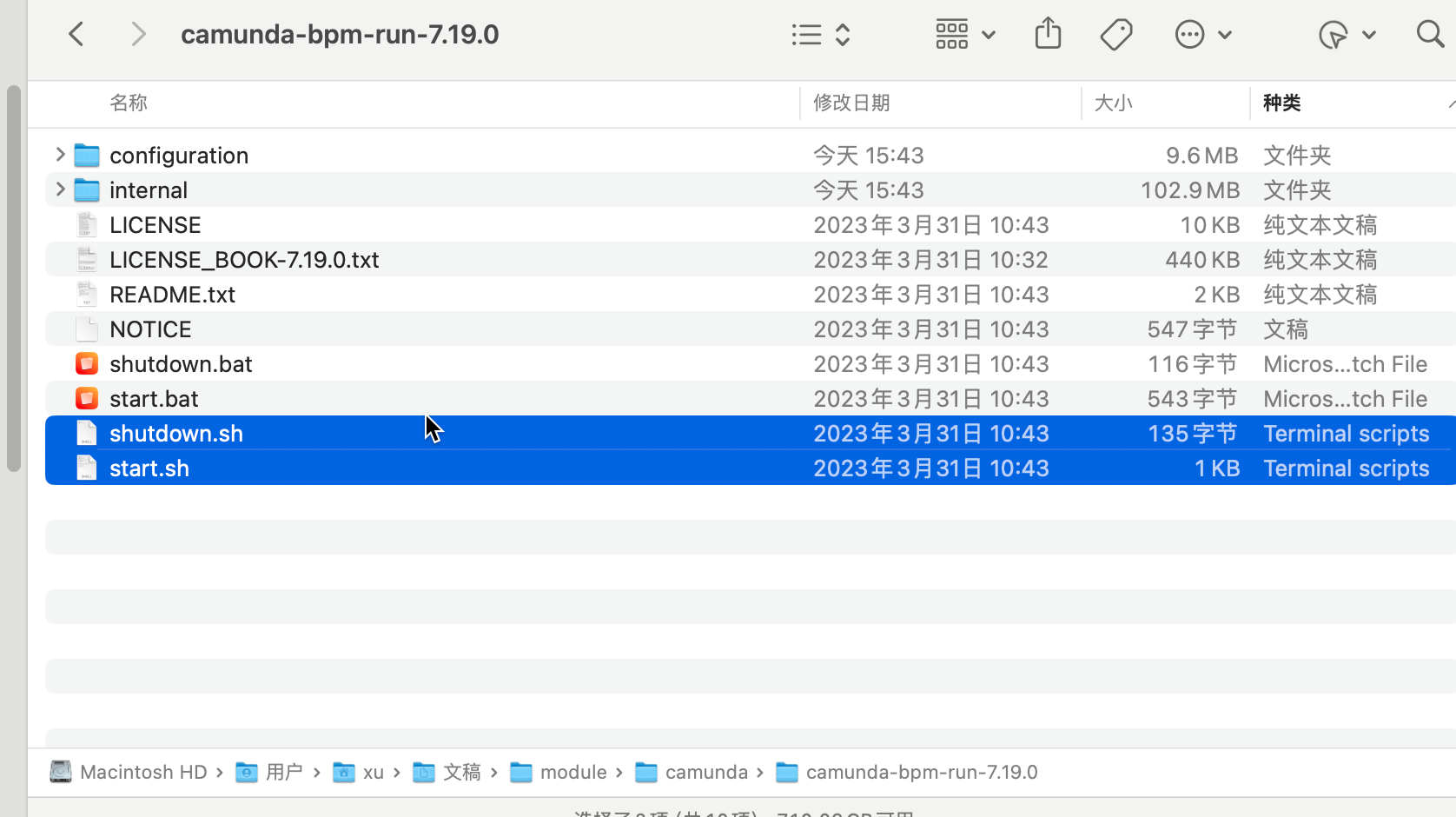
下载后解压,start.sh启动服务,shutdown.sh关闭服务,启动后访问:http://localhost:8080/
默认用户名密码:demo/demo
# 2.安装camunda建模器
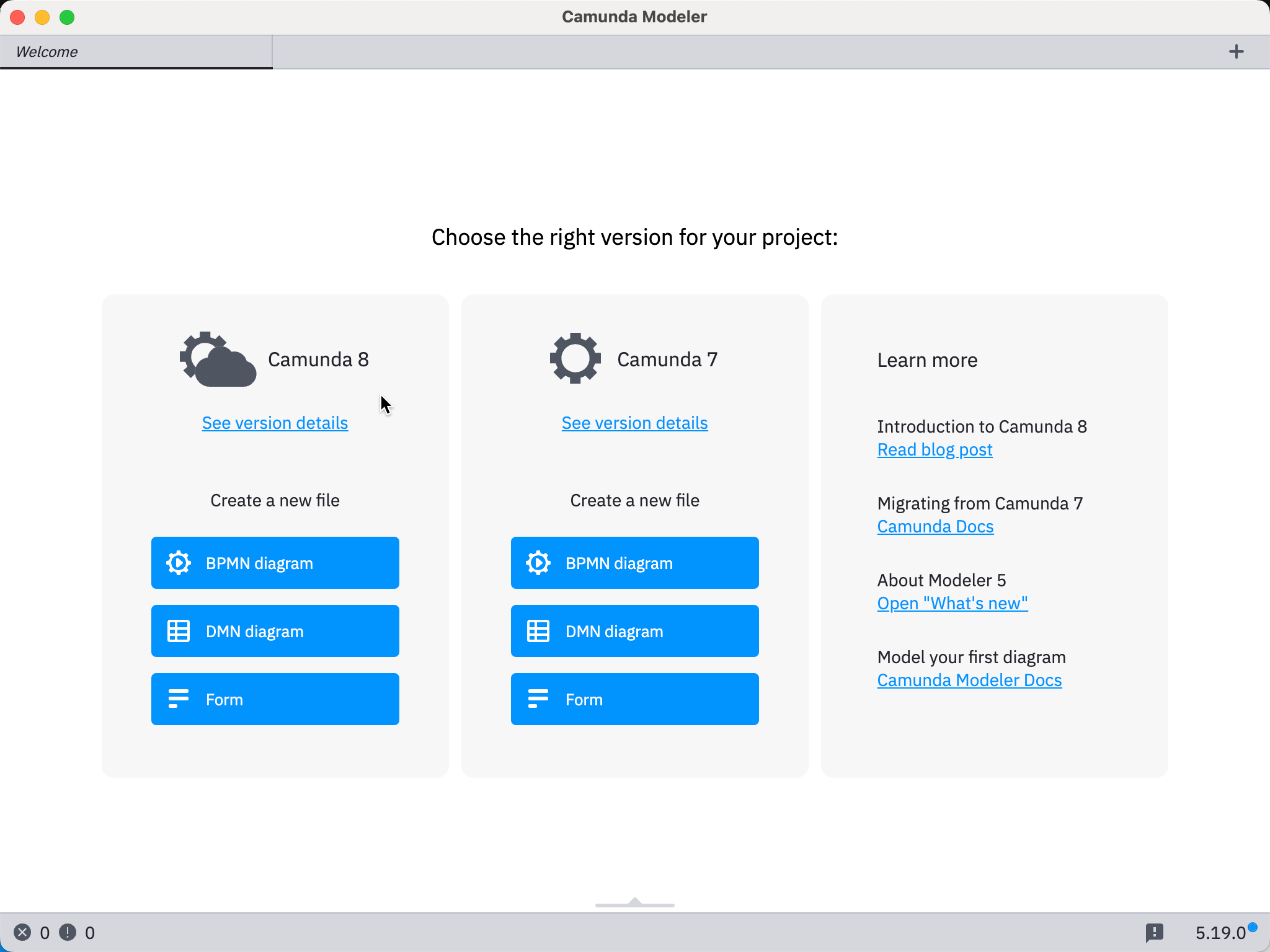
https://downloads.camunda.cloud/release/camunda-modeler/5.19.0/
安装完成后打开应用如下
# 二、springboot集成
# maven新增依赖
<?xml version="1.0" encoding="UTF-8"?>
<project xmlns="http://maven.apache.org/POM/4.0.0"
         xmlns:xsi="http://www.w3.org/2001/XMLSchema-instance"
         xsi:schemaLocation="http://maven.apache.org/POM/4.0.0 http://maven.apache.org/xsd/maven-4.0.0.xsd">
    <modelVersion>4.0.0</modelVersion>

    <groupId>com.xcw.camunda</groupId>
    <artifactId>camunda-test</artifactId>
    <version>1.0</version>

    <properties>
        <maven.compiler.source>8</maven.compiler.source>
        <maven.compiler.target>8</maven.compiler.target>
        <project.build.sourceEncoding>UTF-8</project.build.sourceEncoding>
    </properties>

    <dependencyManagement>
        <dependencies>
            <dependency>
                <groupId>org.springframework.boot</groupId>
                <artifactId>spring-boot-dependencies</artifactId>
                <!--<version>2.2.13.RELEASE</version>-->
                <version>2.1.7.RELEASE</version>
                <type>pom</type>
                <scope>import</scope>
            </dependency>
        </dependencies>
    </dependencyManagement>

    <dependencies>
        <dependency>
            <groupId>org.camunda.bpm.springboot</groupId>
            <artifactId>camunda-bpm-spring-boot-starter</artifactId>
            <version>7.19.0</version>
        </dependency>
        <dependency>
            <groupId>org.camunda.bpm.springboot</groupId>
            <artifactId>camunda-bpm-spring-boot-starter-rest</artifactId>
            <version>7.19.0</version>
        </dependency>
        <dependency>
            <groupId>org.camunda.bpm.springboot</groupId>
            <artifactId>camunda-bpm-spring-boot-starter-webapp</artifactId>
            <version>7.19.0</version>
        </dependency>


        <dependency>
            <groupId>mysql</groupId>
            <artifactId>mysql-connector-java</artifactId>
        </dependency>

        <dependency>
            <groupId>org.projectlombok</groupId>
            <artifactId>lombok</artifactId>
            <scope>annotationProcessor</scope>
        </dependency>
    </dependencies>

</project>
1
2
3
4
5
6
7
8
9
10
11
12
13
14
15
16
17
18
19
20
21
22
23
24
25
26
27
28
29
30
31
32
33
34
35
36
37
38
39
40
41
42
43
44
45
46
47
48
49
50
51
52
53
54
55
56
57
58
59
60
2
3
4
5
6
7
8
9
10
11
12
13
14
15
16
17
18
19
20
21
22
23
24
25
26
27
28
29
30
31
32
33
34
35
36
37
38
39
40
41
42
43
44
45
46
47
48
49
50
51
52
53
54
55
56
57
58
59
60
# 配置信息
server:
  port: 8081


############################################################ camunda登录信息配置
camunda:
  bpm:
    admin-user:
      id: demo
      password: demo
      first-name: demo
    filter:
      create: All tasks
#    database:
#      type:

############################################################ mysql连接信息
spring:
  datasource:
    driver-class-name: com.mysql.cj.jdbc.Driver
    url: jdbc:mysql://localhost:3306/camunda
    username: root
    password: 12345678
    type: com.mysql.cj.jdbc.MysqlDataSource
1
2
3
4
5
6
7
8
9
10
11
12
13
14
15
16
17
18
19
20
21
22
23
24
25
26
27
28
2
3
4
5
6
7
8
9
10
11
12
13
14
15
16
17
18
19
20
21
22
23
24
25
26
27
28
启动后会自动生成camunda相关的表
| 表前缀 | 说明 |
|---|---|
| ACT_ID_ | 用户模块 |
| ACT_HI_ | 流程历史记录模块 act_hi_actinst:执行的活动历史act_hi_taskinst:执行任务历史 act_hi_procinst:执行流程实例历史 act_hi_varinst:流程变量历史表 |
| ACT_RE_ | 表示流程资源存储act_re_procdef:流程定义存储 act_re_deployment: 自动部署,springboot每次启动都会重新部署,生成记录 |
| ACT_RU_ | 表示流程运行时表数据,流程结束后会删除act_ru_execution:运行时流程实例act_ru_task:运行时的任务act_ru_variable:运行时的流程变量 |
| ACT_GE_ | 流程通用数据act_ge_bytearray:每次部署的文件2进制数据,所以如果文件修改后,重启也没用,因为重新生成了记录,需要清掉数据库,或者这个表记录 |
# 新建手动任务
